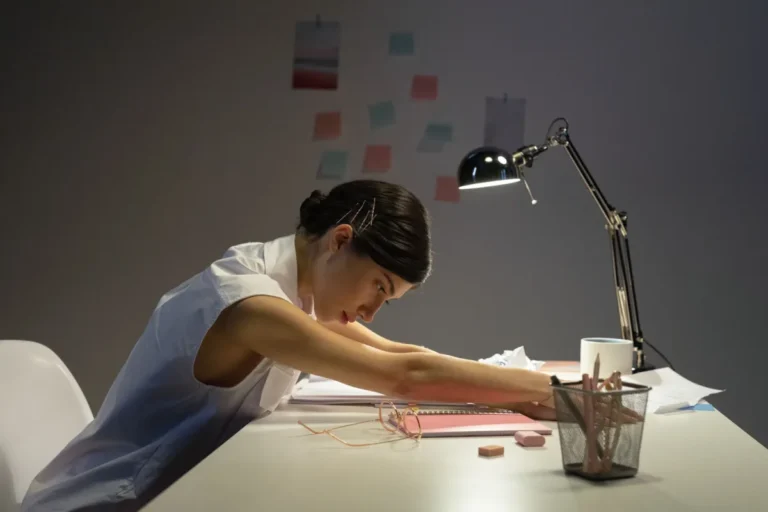


Gritty eyes by 3 PM, a neck that aches by dinner, and still scrolling at midnight? Too much screen time is probably part of the story, but most of the fixes are free and quick. Here’s what screens do to your eyes, sleep and posture, and where to start.
- What Does Too Much Screen Time Do to Your Body?
- Why Do Screens Make Your Eyes So Tired?
- Does Blue Light From Screens Damage Your Eyes?
- How Does Screen Time Affect Your Sleep?
- What Is Tech Neck, and Is Posture to Blame?
- How Should You Set Up Your Screen?
- What Simple Moves Ease Tech Neck?
- Screen Myths vs Facts: What the Evidence Supports
- How Long Until You Feel a Difference?
- When Should You See a Doctor About Too Much Screen Time?
- FAQ
- The Bottom Line
What Does Too Much Screen Time Do to Your Body?
For most adults, too much screen time shows up in three places: the eyes, the night’s sleep, and the neck and shoulders. None of these problems is usually dangerous, but together they can turn an ordinary workday into a slog.
Digital eye strain, also called computer vision syndrome, is a group of eye and vision symptoms caused by long stretches of looking at screens. The American Optometric Association uses the term to describe tired eyes, dryness, blurred vision and headaches, often paired with neck and shoulder pain.
There’s no official number of hours that counts as too much for adults. What matters more is how long you look without a break, how your screen is set up, and when in the day you use it. Eight hours at a well-arranged desk with regular pauses may feel better than three hours hunched over a phone in bed.
Here’s the thing: screens aren’t toxic. They just ask your body to hold one position, at one focusing distance, for far longer than it was built to.
Why Do Screens Make Your Eyes So Tired?
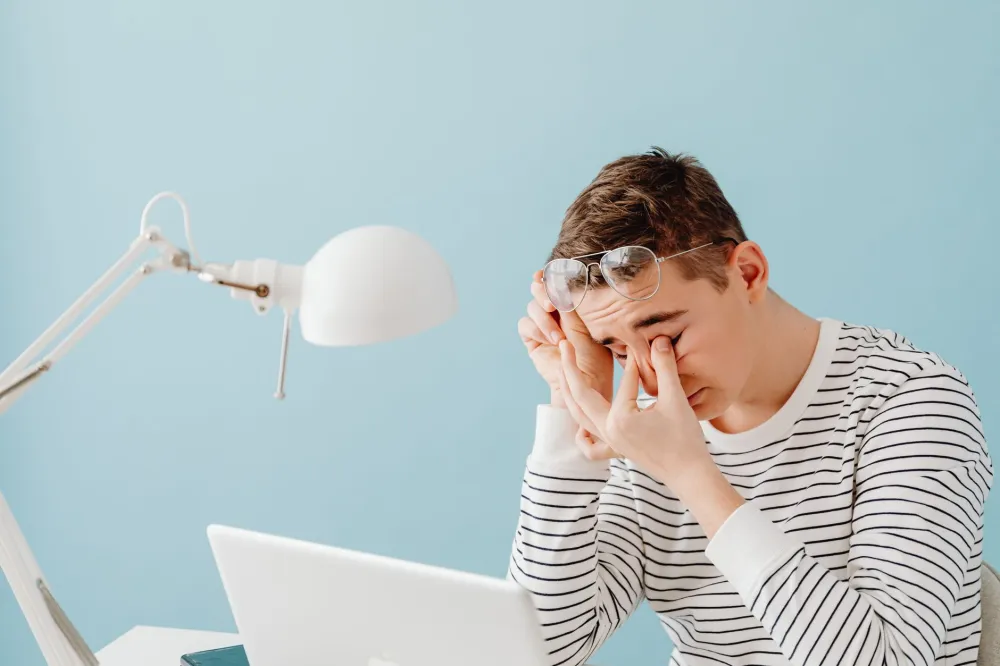
Screens tire your eyes mainly because you blink less and your focusing muscles stay switched on for long periods. Glare, small text and a screen that sits too close add to the load.
You blink less than you think
When you concentrate on a screen, you tend to blink less often, and many of the blinks you do take are incomplete, meaning your lids don’t fully close. Each blink spreads your tear film, the thin layer of moisture that keeps the surface of your eye smooth and comfortable. Fewer blinks let that film evaporate faster, which is why your eyes may feel gritty or burning by mid-afternoon.
Some people notice watery eyes instead. That surprises a lot of readers, but dryness can trigger reflex tearing, so streaming eyes don’t always mean well-lubricated eyes.
Your focusing muscles never get a break
Inside each eye, a small ring of muscle called the ciliary muscle changes the shape of your lens so you can see up close. Staring at something 20 inches away for hours keeps that muscle working steadily. Looking into the distance lets it relax.
That’s the logic behind the 20-20-20 rule, which the American Academy of Ophthalmology recommends: every 20 minutes, look at something about 20 feet (6 meters) away for at least 20 seconds. A window is ideal. The far end of a hallway works too.
Digital eye strain is typically temporary. Cleveland Clinic describes it as a common condition whose symptoms usually improve once you rest your eyes, and there’s no good evidence that it causes lasting damage in adults. That’s reassuring, though it doesn’t make the daily discomfort any less real.
Does Blue Light From Screens Damage Your Eyes?
No good evidence shows that blue light from phones, tablets or computers damages your eyes. The American Academy of Ophthalmology does not recommend blue-light-blocking glasses for eye health, partly because screens give off far less blue light than the sun does.
This is one of the most heavily marketed ideas in eye care, so let’s be blunt. Blue-light glasses aren’t the fix the ads suggest. A Cochrane review, a type of research summary that pools results from multiple trials, found that blue-light-filtering lenses probably make little or no difference to eye strain compared with regular lenses, at least in the short term.
So why do your eyes still hurt? Digital eye strain comes from how you use the screen, not the color of its light. Blinking less and focusing up close for hours are the real culprits, and no lens filter changes either one.
What does help is less exciting but more effective. Match your screen brightness to the room around you, bump the text size up a notch or two, and cut glare by tilting the screen away from windows and overhead lights. If your eyes feel dry, lubricating eye drops (often called artificial tears) are a common option, and a pharmacist can help you choose one, especially if you wear contacts.
Blue light does matter for one thing, though. Sleep.
How Does Screen Time Affect Your Sleep?
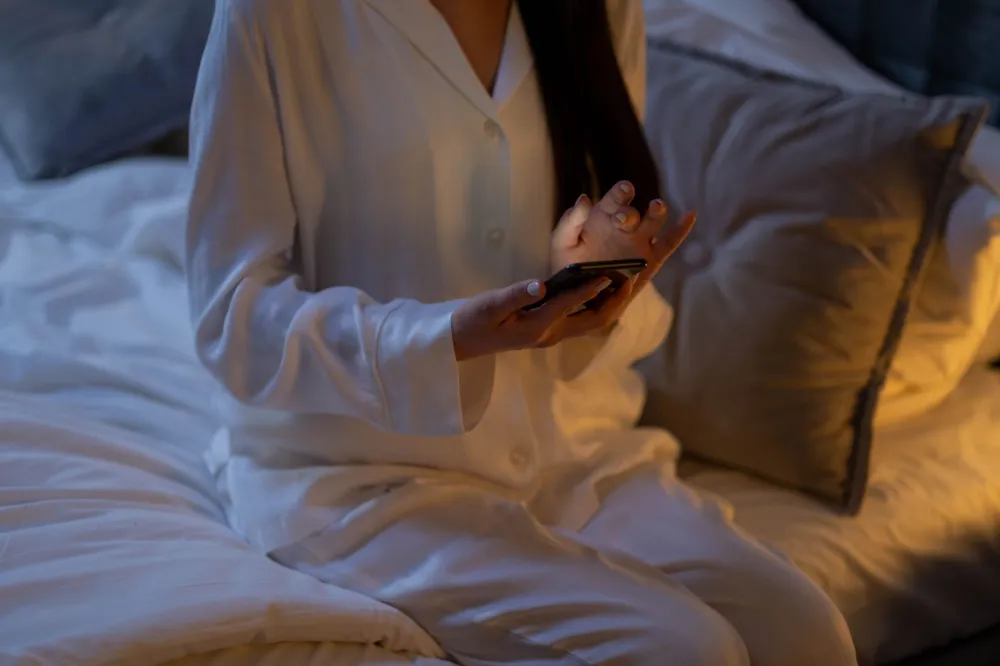
Using screens close to bedtime may make it harder to fall asleep in two ways: bright evening light can delay your body’s release of melatonin, and engaging content keeps your brain alert. For many people, the second effect matters as much as the first.
Melatonin is the hormone your brain releases as darkness falls to signal that it’s time to sleep. Light, especially the blue-wavelength light that’s plentiful in daylight and present in screens, tells your internal body clock that it’s still daytime. Lab research has shown that evening light exposure can shift that clock later, which may leave you lying awake.
But light isn’t the whole story. A tense work email, a buzzing group chat or one more episode can rev up your mind no matter how dim the screen is. Every “five more minutes” comes straight out of your sleep, and that’s a big reason too much screen time at night tends to leave people groggy the next morning.
Night mode and warm-tone settings are fine to use, but don’t expect them to do the heavy lifting. Small studies of these settings have found little measurable sleep benefit on their own. Putting the phone down helps more than changing its color.
The CDC advises that most adults get 7 or more hours of sleep a night, and the Sleep Foundation generally suggests putting devices away for a while before bed, often 30 minutes to an hour. Try charging your phone outside the bedroom and using a basic alarm clock. Fill the gap with a paper book, a warm shower or a few poses from our guide to yoga for sleep. For more ideas, these sleep hygiene habits pair well with a screen curfew.
What Is Tech Neck, and Is Posture to Blame?
Tech neck is a casual name for neck, shoulder and upper back discomfort that comes from looking down at phones, tablets or laptops for long stretches. It isn’t a medical diagnosis, and research suggests that holding any single position too long matters more than finding one perfect posture.
Your head weighs about as much as a bowling ball. When it’s balanced over your shoulders, your neck carries it easily. Tip it forward to read a phone in your lap, though, and the muscles at the back of your neck and between your shoulder blades work harder to hold it up. After a few hours, that can feel like a dull ache, tight shoulders, or pain that starts at the base of your skull and grows into a neck tension headache.
Here’s where much of the internet gets it wrong. Many studies have found only a weak link between posture and long-term neck or back pain. Slouching is unlikely to be seriously harming your spine, though the evidence is not settled. The bigger issue with too much screen time is staying frozen in one shape. As physical therapists like to say, your best posture is your next posture.
The table below sums up the three main screen-related complaints, plus the screen headache that often tags along, and the first thing worth trying for each.
| Problem | Common signs | Likely screen cause | First fix to try |
|---|---|---|---|
| Digital eye strain | Dry, tired, blurry eyes | Less blinking, close focus | 20-20-20 breaks |
| Screen headache | Ache around eyes or temples | Glare, squinting, tiny text | Bigger text, less glare |
| Tech neck | Stiff neck, tight shoulders | Head tipped forward | Raise screen to eye level |
| Delayed sleep | Lying awake, feeling wired | Bright, engaging late scrolling | Screen-free time before bed |
Notice the pattern? Most fixes cost nothing. They just change where your screen sits and how often you look away from it.
How Should You Set Up Your Screen?
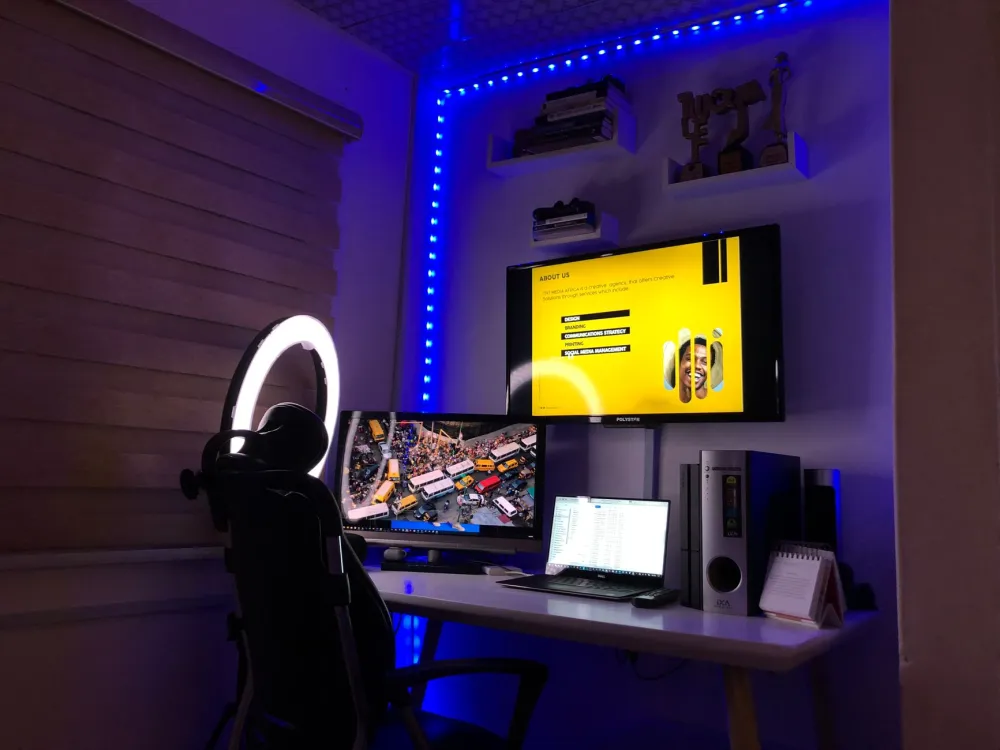
A screen-friendly setup puts your monitor about an arm’s length away, with the top of the screen at or slightly below eye level, so your head stays balanced and your eyes look gently downward. These small adjustments may ease digital eye strain and tech neck at the same time.
You can work through these changes in about ten minutes, using things you probably already own.
Chairs, lumbar support and desk height matter too, especially if your lower back joins the complaint list. Our guide to desk posture and back pain from sitting all day covers those details.
What Simple Moves Ease Tech Neck?
Gentle movements that bring your head back over your shoulders and open up your chest may ease tech neck stiffness. They tend to work best when done little and often, a few reps several times a day, rather than in one long session.
Try these at your desk. None requires equipment or a change of clothes.
- Chin tucks: Sit tall and glide your chin straight back, as if making a double chin. Hold 3 to 5 seconds and repeat 5 to 10 times.
- Shoulder blade squeezes: Draw your shoulder blades back and down toward your back pockets. Hold about 5 seconds, then release.
- Doorway chest stretch: Rest your forearms on either side of a door frame and step forward gently until you feel a stretch across your chest. Hold 20 to 30 seconds.
- Slow shoulder rolls: Roll your shoulders up, back and down 5 to 10 times to loosen tight upper-back muscles.
Stop any move that causes sharp pain, tingling or numbness. For a longer routine, see these neck stretches for desk workers. If too much screen time has left you stiff for weeks, consistency usually beats intensity.
Screen Myths vs Facts: What the Evidence Supports
Most popular fears about screens are exaggerated, while a few small habits matter more than people expect. Here’s how common beliefs stack up against current guidance.
- Myth: screens permanently damage your eyes. Fact: The American Academy of Ophthalmology says there’s no evidence screens cause lasting eye damage in adults. Digital eye strain is uncomfortable but typically fades with rest.
- Myth: blue-light glasses prevent eye strain. Fact: The best available research suggests they make little or no difference. Breaks and blinking do more.
- Myth: perfect posture is the cure. Fact: Movement and variety appear to matter more than holding one “correct” position all day.
- Myth: night mode makes late scrolling harmless. Fact: Stimulating content and lost sleep time still affect your night, even with warmer colors.
- Myth: sitting close to the TV ruins kids’ eyes. Fact: It isn’t thought to cause damage. That said, research suggests more time outdoors is linked to a lower risk of nearsightedness (myopia) in children, so balancing screens with outdoor play is a smart move.
So where does that leave you? Skip the gadgets and spend your effort on habits.
How Long Until You Feel a Difference?
Many people notice more comfortable eyes within a few days of taking regular breaks and fixing their screen setup. Improvements in sleep and neck stiffness may take one to two weeks of consistent habits. Results vary from person to person, and none of these timelines is guaranteed.
Days 1 to 3: The breaks feel awkward and easy to forget. Some people notice their eyes feel less gritty by the end of the workday, even this early.
By days 4 to 7, looking away from the screen starts to happen without thinking. Neck and shoulder tightness may ease a little, especially if you’ve raised your screen and added the stretches above.
In week two, the sleep changes often show up. Many people find they drift off a bit faster on nights when the phone stays out of the bedroom, though a stressful week can still throw things off.

When Should You See a Doctor About Too Much Screen Time?
See an eye doctor if eye strain, blurry vision or headaches continue after a couple of weeks of better habits, because you may need an updated prescription or treatment for dry eye. Sudden vision changes, eye pain or neurological symptoms need prompt medical care.
Not every symptom is about too much screen time. Use this quick self-check to decide whether a professional should take a look:
- Weekend test: Do your symptoms continue on days you barely use screens?
- Squint check: Do you squint or lean in to read text that used to look clear?
- Drop reliance: Are you reaching for eye drops many times a day just to stay comfortable?
- Nerve signs: Does neck pain spread down your arm or come with tingling or numbness in your hands?
- Sleep red flag: Are you sleepy all day despite spending enough hours in bed?
If you answered yes to any of these, schedule a comprehensive eye exam with an optometrist or ophthalmologist, or check in with your primary care doctor about neck or sleep concerns. An eye exam can check your prescription and your tear film.
Some symptoms shouldn’t wait at all. Sudden vision loss, a curtain or shadow across your vision, a burst of new floaters or flashes of light, severe eye pain or redness, double vision, a sudden severe headache, chest pain, trouble breathing, or numbness or weakness in your face, arm or leg mean seeing a doctor right away, not reading blogs.
FAQ
The Bottom Line
Too much screen time rarely causes lasting harm, but it can leave you with tired eyes, restless nights and a stiff neck. Start with the easiest wins: follow the 20-20-20 rule, set your screen at arm’s length near eye level, and give yourself screen-free time before bed. Skip the blue-light gadgets, and put that money toward an eye exam if symptoms hang around. Small habits you repeat every day will do more than any perfect posture.
This article is for informational purposes only and is not a substitute for professional medical advice, diagnosis, or treatment. Always consult a qualified healthcare provider about your specific situation. If you experience severe or sudden symptoms, seek medical care immediately.

Everyday Health and Wellness
Browse every related article on this topic in one place.